
Probably ten years ago some friends of mine from the local university told me about E-Sword. Since then, I have been using this free study software that minimally comes with King James Version, and Strong's Greek and Hebrew definitions. But more than that, one can add on all sorts of modules to enhance E-Sword. I have downloaded commentaries like Barnes, Clarke, Gill; additional versions like ASV, NASB (this cost $20 to activate), ESV, GNB, the Message, the Septuagint, the Bible in Spanish, YLT, etc. I have added Thayer's Lexicon, an in-depth Hebrew Lexicon, Webster's 1828 dictionary, different Bible encyclopedias, a cross-referencing module called Treasury of Scripture Knowledge. Additionally, I have added volumes like The Ante-Nicene Fathers, Schaff's History of the Church, Foxe's Book of Martyrs, Finney's Systematic Theology, Eddersheim's Life and Times of Jesus the Messiah, and works from Josephus. Finally, there are different map modules you can add on as well.
Also, you can create your own study notes, do exhaustive and comprehensive word/phrase searches, and even search by Strong's numbers.
Let me know if you've tried this software, and if it is a help to you.
About Me
Monday, October 27, 2008
Excellent Free Bible Software


Saturday, October 25, 2008
Paying too Much for an Office Suite?

I first heard about OpenOffice four years ago while the project still had some bugs. But since then the software has come a long way. Recently, I have preferred its presentation software to Corel's Presentations and I even use it when I teach. Open Office can save/load multiple file types such as Word, Word Perfect and their corresponding office software components.
Over the past year our family has experimented with it on our Mac, too. Yesterday I downloaded the OpenOffice.org 3.0 for Mac which now does not need to run X11. It appears to be a much better package than previous versions.
If you have tried this software, please leave a comment below sharing your experience.
Tuesday, October 14, 2008
Free Photo & Imaging Software
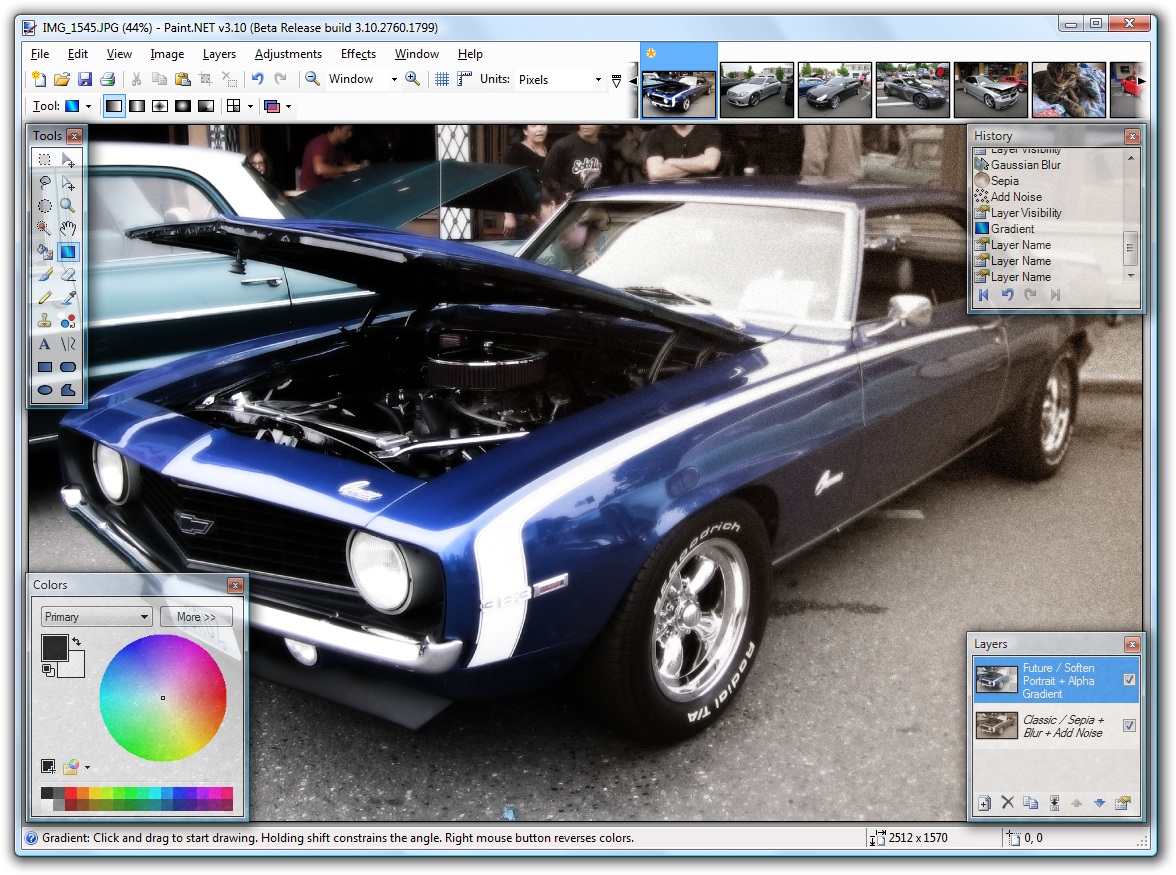
I've been using a great free image and photo editing program for more than a year called Paint.Net. I like it better than my version of Corel Photo Paint. The downside is it only runs on Windows. 
So if you want to broaden your image/photo editing options without paying a hefty price, give one of these a try.
If you've used any free or open source paint programs, please share your feedback by posting a comment below.
Thursday, October 9, 2008
Great Free Internet Filtering Software
Over the past six years my kids have been using the computers and the internet for a substantial part of their school work. As a result I've done a little research on internet filters. Last year I came across a great free internet filter for home use. I have used K9 Web Protection from Blue Coat for months now. With it I can customize which categories and sites are or are not available for my home computers. I can block key words, set time restrictions for internet use, and log web site activity. The latest beta version can also block tunneling sites (sites that run underneath the radar of many internet filters).
Here are some helpful links:
K9 Web Protection Home Page
Get K9 Now Page
If you use any filtering software, please share your feedback by posting a comment below.
Thanks for Visting


Subscribe To My Blog


 Posts
All Comments
Posts
All Comments